About
Writing a piece, a launch post, or a review? Copy whichever boilerplate fits your word count. Both are accurate and approved for press use.
Short (one sentence). BrowserBash is a free, open-source command-line tool that turns a plain-English objective into real browser actions using an AI agent — no code, no selectors, and no API keys required.
Long (two to three sentences). BrowserBash is a free, open-source (Apache-2.0) natural-language browser automation CLI from The Testing Academy. You describe what you want in plain English and an AI agent drives a real browser to do it — running on free local models via Ollama or free OpenRouter models, with zero API keys and no credit card. It writes Markdown test files, records sessions, returns CI-friendly exit codes, and connects to an optional free cloud dashboard for run history and video replay.
Fast facts
- Name: BrowserBash (one word, capital B and B)
- Maker: The Testing Academy
- Founder: Pramod Dutta
- License: Apache-2.0 (free, open source)
- Category: AI browser automation / testing CLI
- Launched: June 2026
- Website: browserbash.com
Logo & mascot
Our mascot is Bo — a friendly pixel-grid robot who carries a hammer and cheerfully bashes browser bugs. Bo embodies what the tool does: take a messy, manual browser task and hammer it into a clean, automated run. Bo renders crisp at any size and adapts to light and dark themes, so feel free to show Bo alongside the wordmark.
Download the official assets below. Please use them as provided — see the usage guidelines further down before editing anything.
Icon (SVG)
Vector app icon — scales to any size without losing edges. Best for print and large displays.
Download icon.svg
Icon (PNG)
Raster app icon for places that need a bitmap, such as social avatars or slide decks.
Download icon.png
Apple touch icon
Rounded icon used for home-screen bookmarks and Apple platforms.
Download apple-icon.png
Social card (OG image)
1200×630 Open Graph image — handy as a ready-made header or link preview.
Download og.png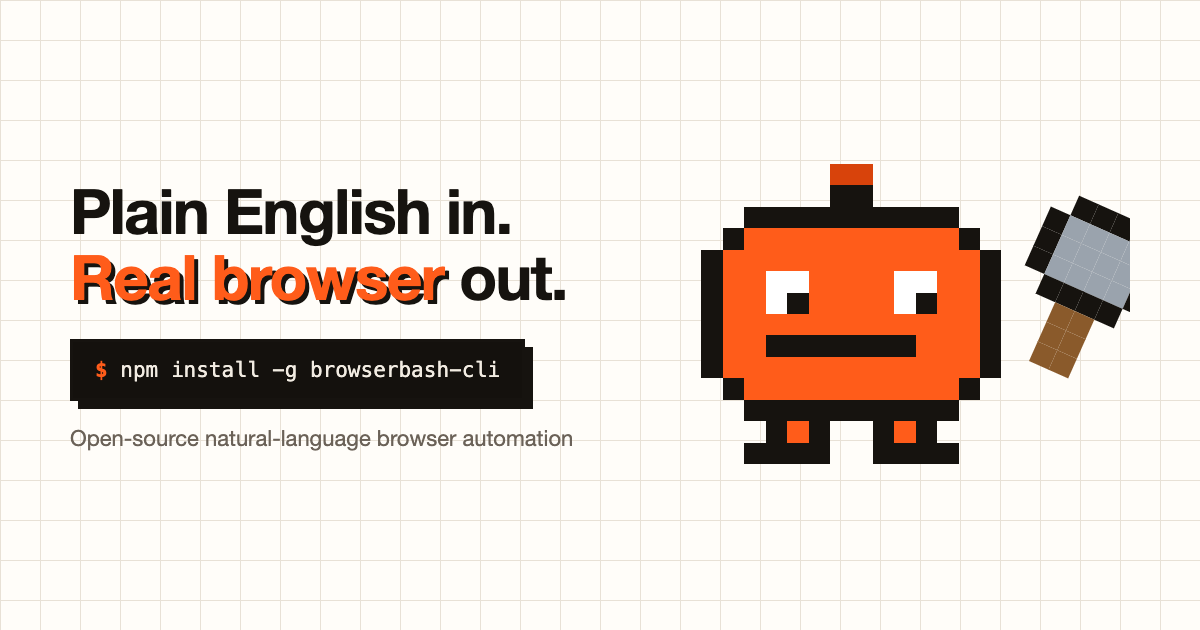
Colors
BrowserBash uses a warm, high-contrast palette. Use these exact hex values when you need a brand color — for example, an accent rule, a callout, or a chart.
Usage do’s & don’ts
A few simple rules keep the brand recognizable. Thank you for respecting them.
Do
- Write the name as one word, “BrowserBash,” with a capital B and B.
- Keep clear space around the logo so nothing crowds it.
- Use the official colors and the assets exactly as we provide them.
- Place the logo on a background with enough contrast to stay legible.
Don’t
- Stretch, squash, rotate, or recolor the logo or mascot.
- Add effects, outlines, or backgrounds that alter the mark.
- Imply endorsement, partnership, or affiliation that doesn’t exist.
- Use the brand for anything misleading or unlawful.
Press contact
For interviews, quotes, review copies, or anything not covered here, email thetestingacademy@gmail.comand we’ll get back to you quickly.